Identify the unit
Keep the model year and a stable unit ID connected to every record.
Planning example from Chicago Fleet Wraps
Confirm the actual configuration before releasing artwork.
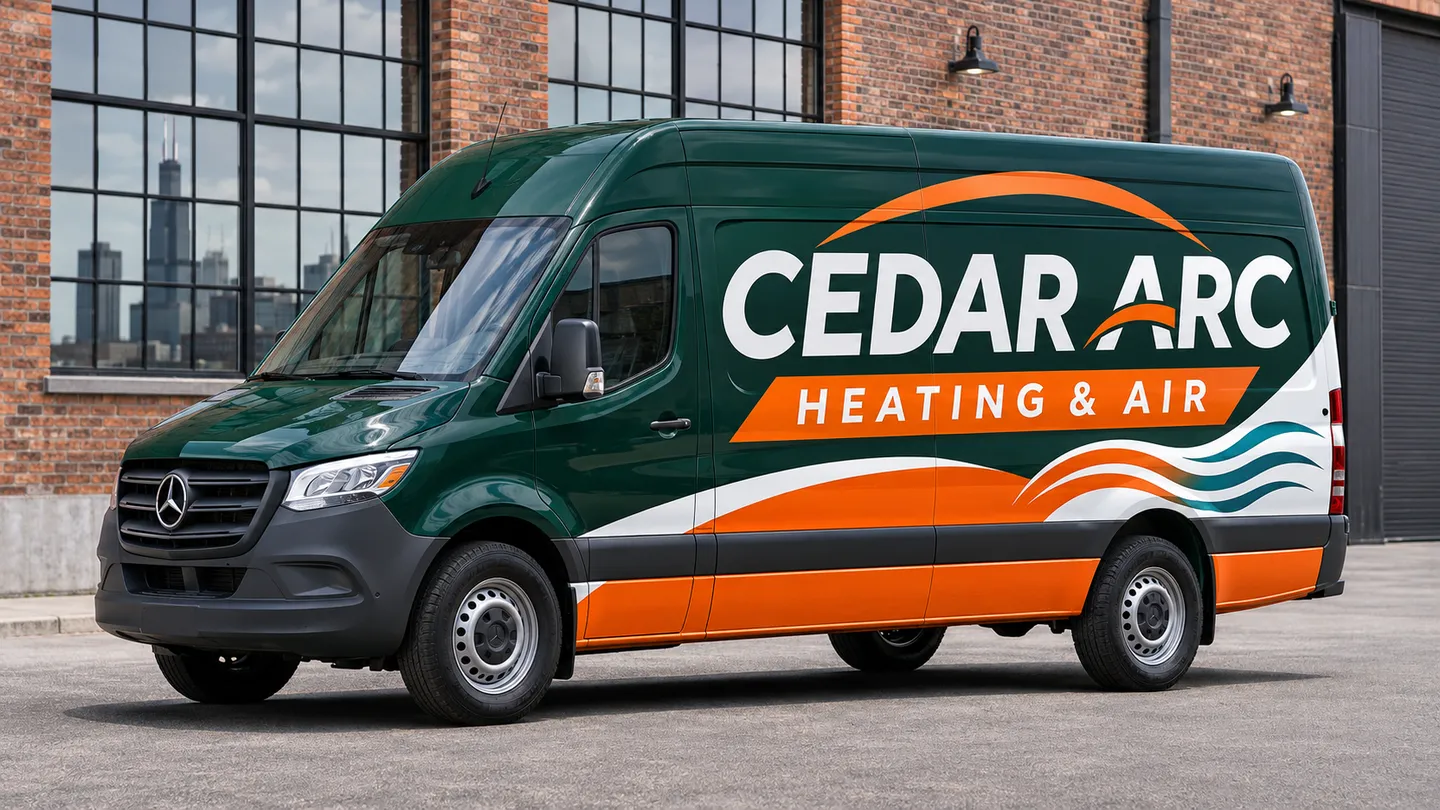
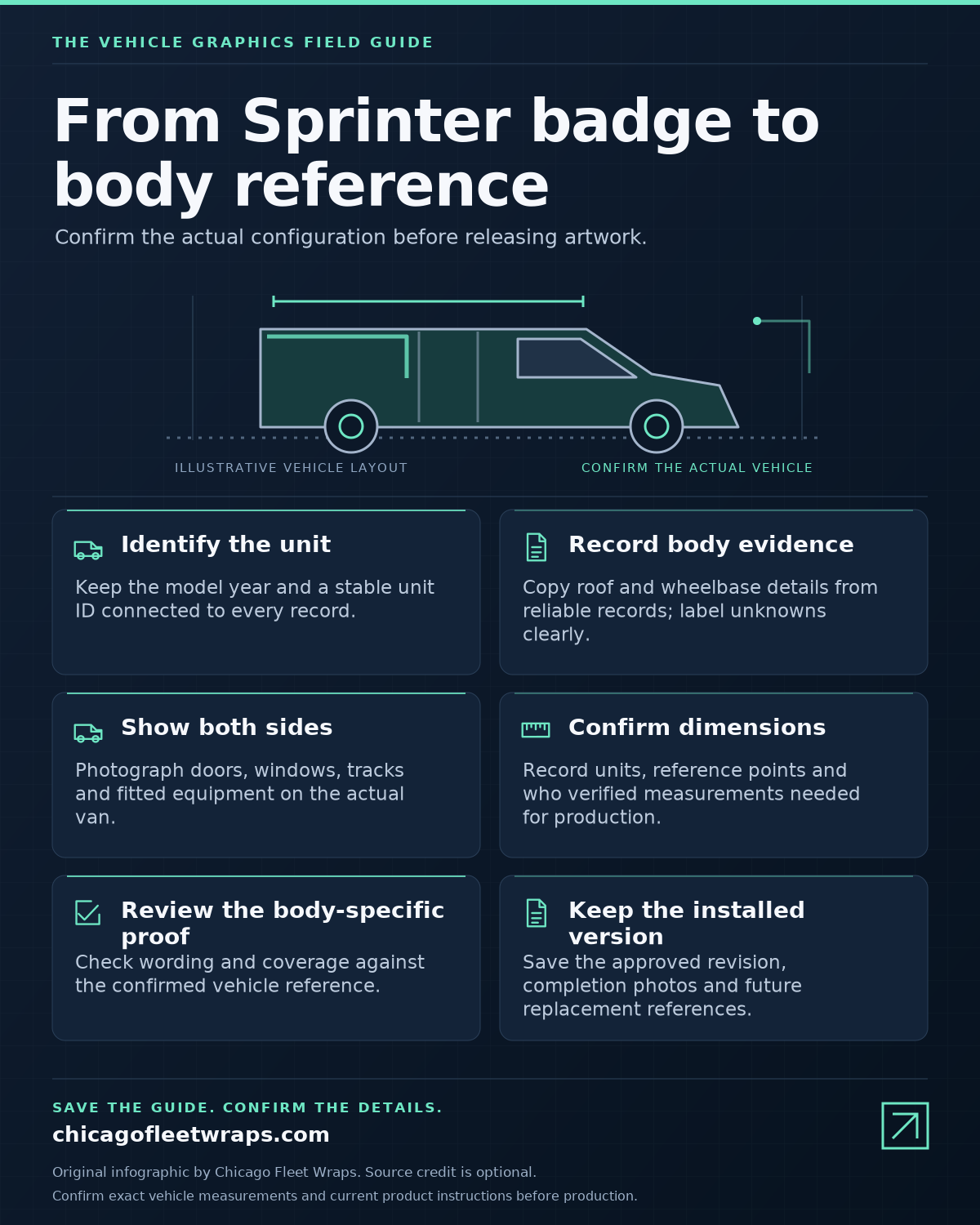
Original infographic from Chicago Fleet Wraps. You may reuse it; attribution is welcome and optional. Confirm project-specific dimensions, materials and instructions before using it for production.
The complete text
Keep the model year and a stable unit ID connected to every record.
Copy roof and wheelbase details from reliable records; label unknowns clearly.
Photograph doors, windows, tracks and fitted equipment on the actual van.
Record units, reference points and who verified measurements needed for production.
Check wording and coverage against the confirmed vehicle reference.
Save the approved revision, completion photos and future replacement references.
Reference the original infographic on the matching Chicago Fleet Wraps page. The resource and CFW share an operator.
Adapt the caption to your article. Using the infographic does not require a backlink.
Practical guide
Build an evidence-based body reference instead of guessing roof height, wheelbase or doors from a model badge.
Read the guide: Identify the Sprinter before choosing a graphics templatePractical guide
Check the useful message with the actual sliding door, tracks, steps, racks and rear access in view.
Read the guide: Review Sprinter graphics around doors and equipmentPractical guide
A simple version register helps matching vans share a brand without sending the wrong body file to production.
Read the guide: Keep different Sprinter layouts under controlAn overview helps reveal differences, but it should not be treated as a verified dimension. Use the vehicle documentation and a responsible measurement or inspection process to resolve the specification. Record who confirmed it.
Read the detailed guide: Identify the Sprinter before choosing a graphics template
It identifies the proposed surfaces and interruptions. The installer still needs to assess the actual substrate and select a suitable product and method. A proof is not a material compatibility approval.
Read the detailed guide: Review Sprinter graphics around doors and equipment
A descriptive revision number is easier to trace than repeated final labels. Include the configuration and approval status in your register, then retain the exact file name associated with each installation.
Read the detailed guide: Keep different Sprinter layouts under control
Keep an individual unit record even when several vehicles share a layout. Their equipment, previous repairs and condition may differ. A shared configuration reference can connect matching units without erasing individual exceptions.
Read the detailed guide: Identify the Sprinter before choosing a graphics template